

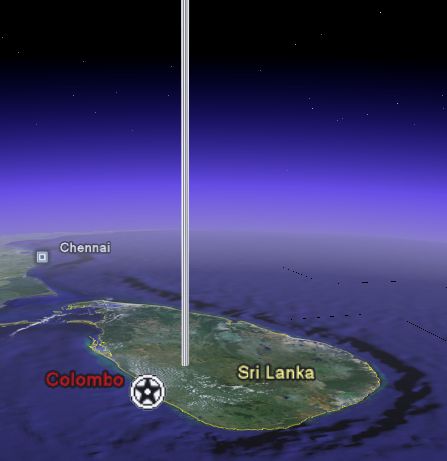
For an example, I created a space elevator 
The tool works pretty well, but is not as convenient to use as Google Earth Plus (US$20/year) which allows you to create and edit paths and polygons within Google Earth. GE+ lets you edit the colors and text, change the extrusion of the polygon, and with GE+ you get faster access to the GE database. I recommend GE+ to serious GE users, or those needing these types of features on a regular basis. But, if you just need to do something quick this free KML Writer is an alternative. KML Writer was written by Simple Spatial Solutions. Via OgleEarth.


About Frank Taylor
Frank Taylor started the Google Earth Blog in July, 2005 shortly after Google Earth was first released. He has worked with 3D computer graphics and VR for many years and was very impressed with this exciting product. Frank completed a 5.5 year circumnavigation of the earth by sailboat in June 2015 which you can read about at Tahina Expedition, and is a licensed pilot, backpacker, diver, and photographer.